No products in the cart.
Return To Shop
No products in the cart.
Return To Shop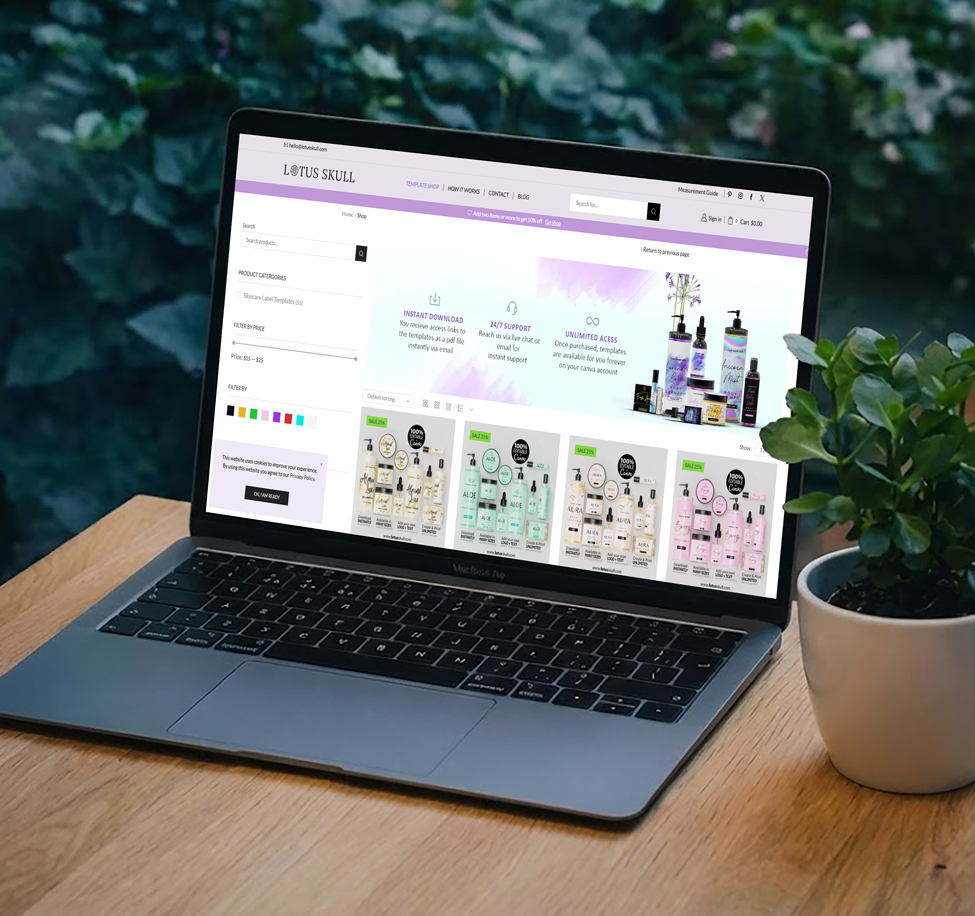
STEP 1
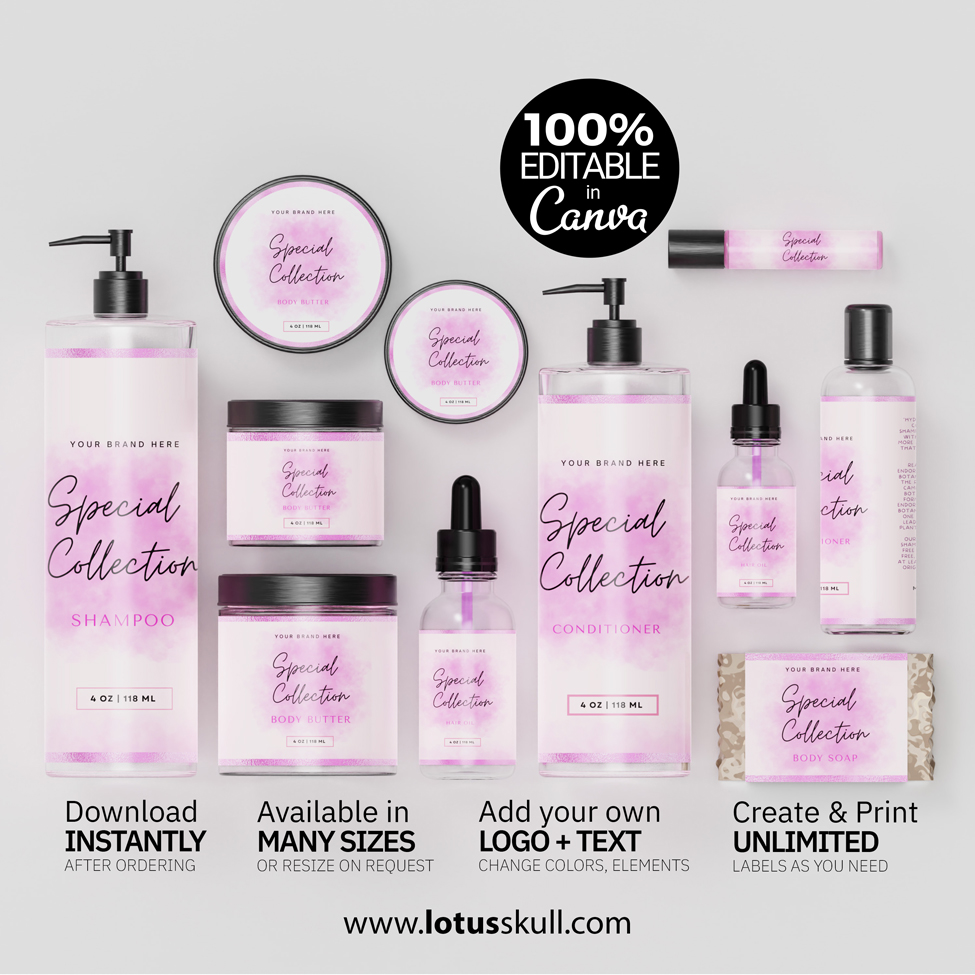
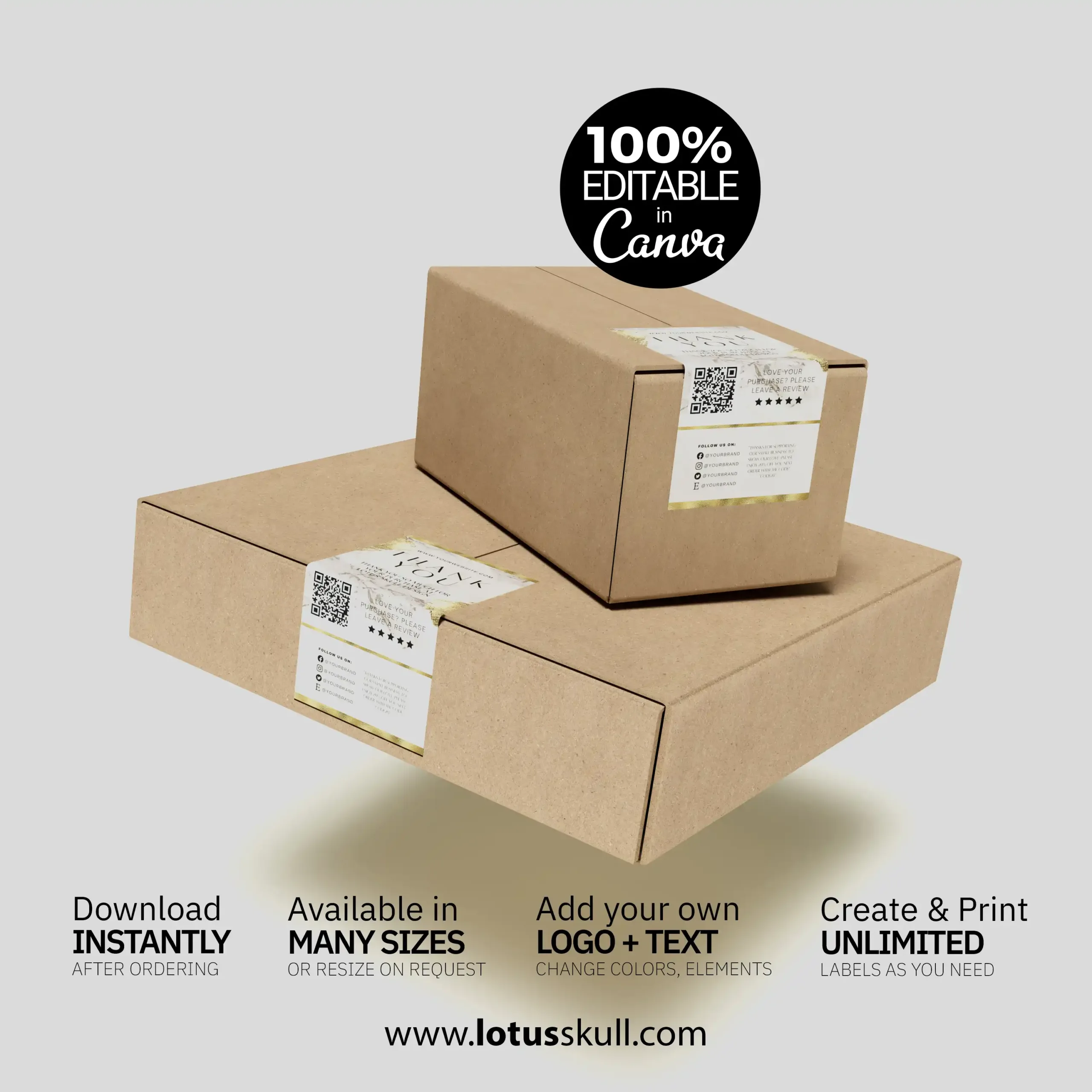
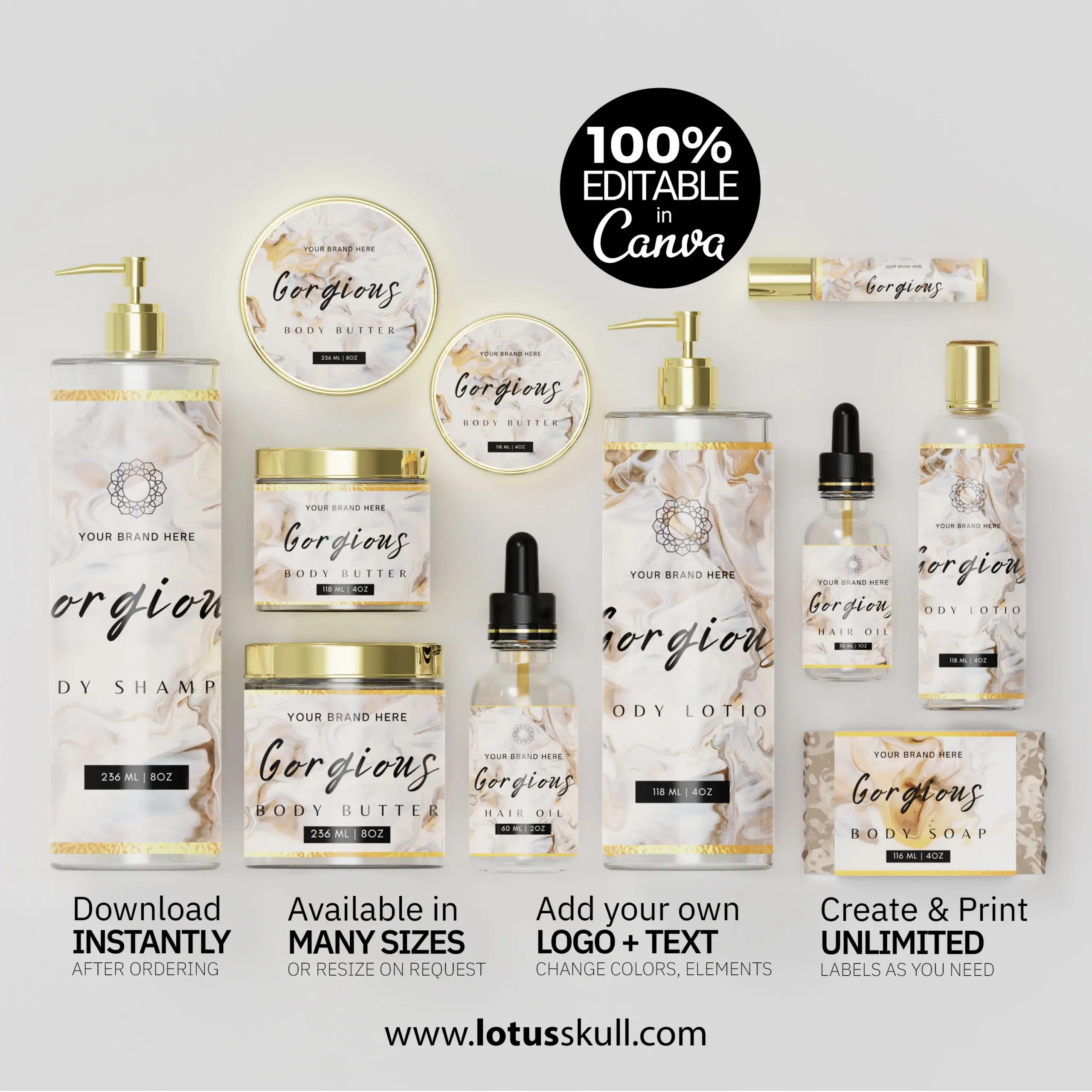
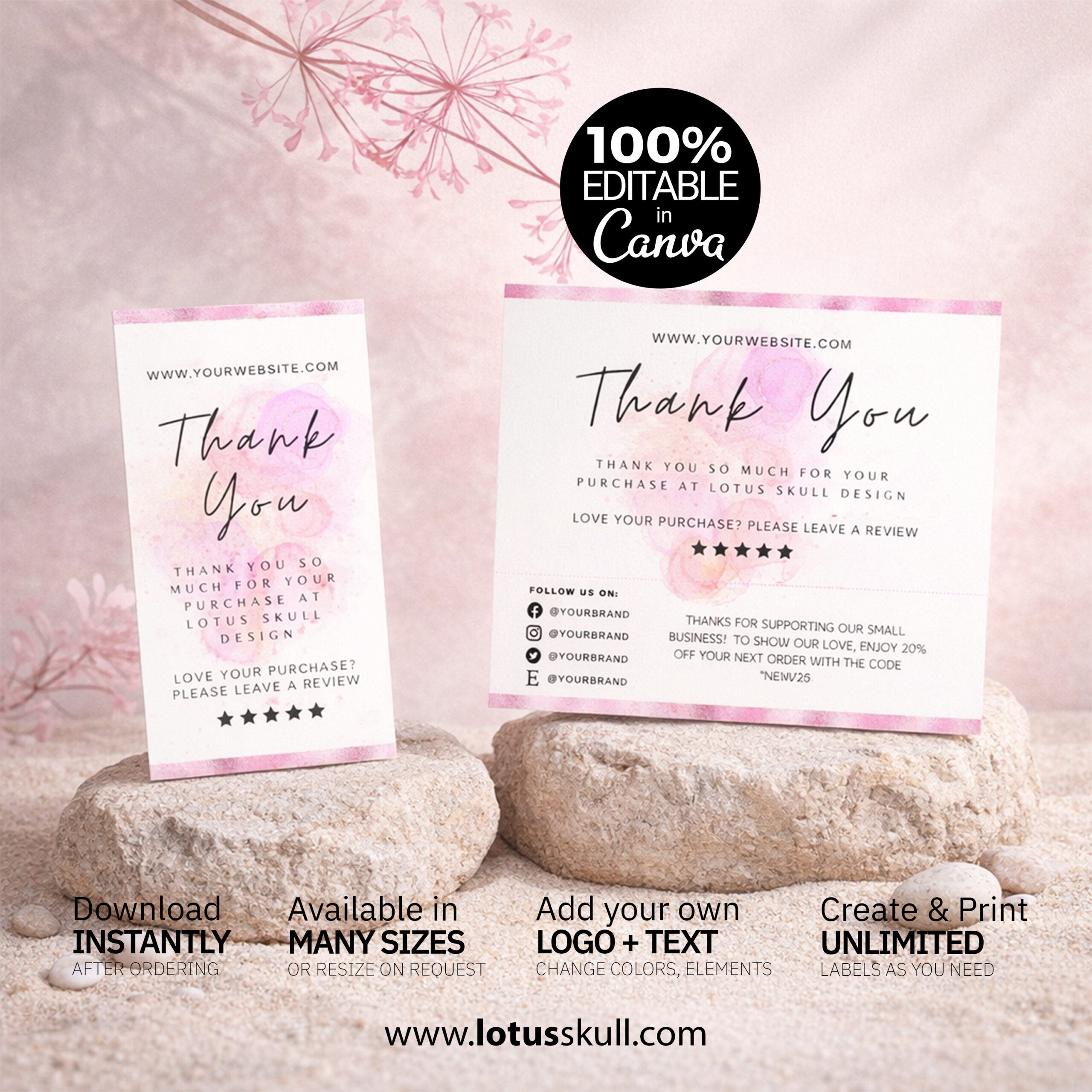
Select a template that you love from our store and order. There are hundreds of carefully designed templates to choose to match your liking your company branding.
Our templates are 100% editable in Canva by on your own , so you can easily add your personalized information and customize them to fit your business theme or brand..
In our shop we sell Canva.com templates and Photoshop and Illustrator design templates only. Please read the full product description to ensure you know what you are getting.
STEP 2
Select a template that you love from our store and order. Once you place the order you will recieve a PDF file containing links to open your templates on canva. Simply click on the relavent label to edit them.
Lotus Skull templates are easily editable, you can easily add your personalized information and customize them to fit your needs.
All lotusskull label templates are made with Canva which makes them super easy to customize. If the default label dimensions doesn’t match your products, you can simply request custom sizes by ordering our resizing listing along with your main order.
STEP 3
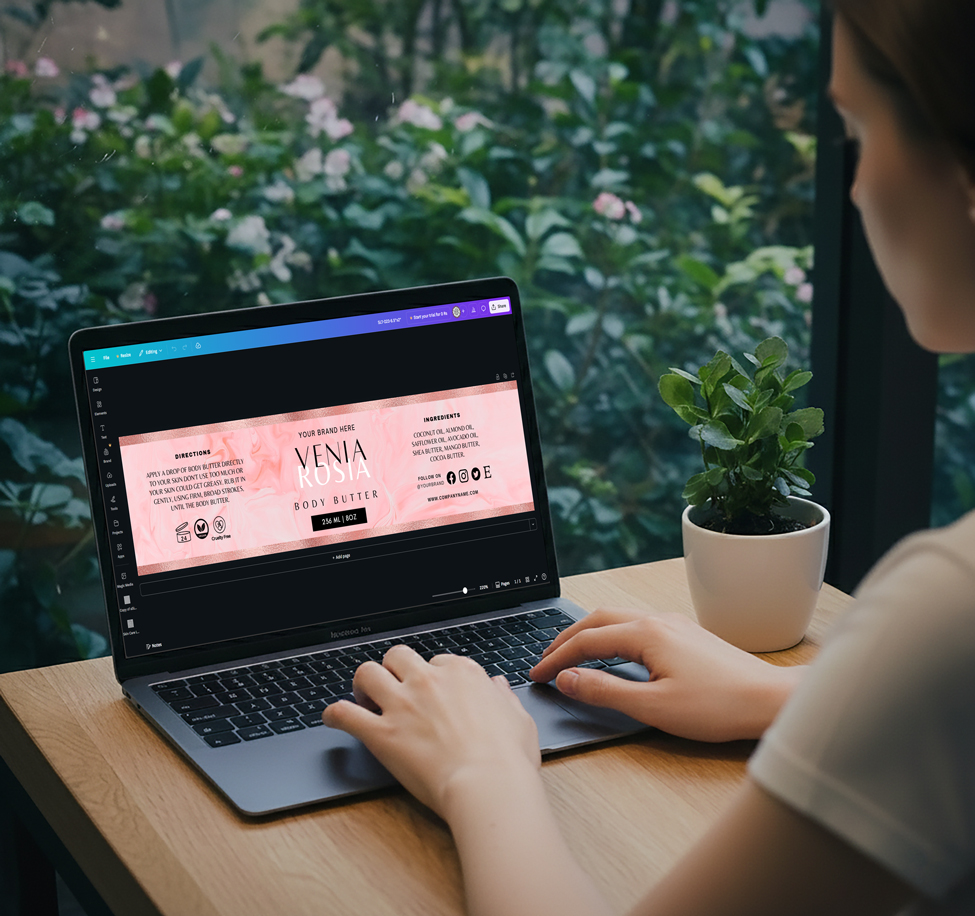
Click to edit any element on the template. Most of the templates are 100% editable, unless othervise mentioned on the listing, rarely some labels may contain non editable elements, like special textures which are not editable unless custom designed.
You can change colors, change texts, move elements arround, add logos, add custom elements from canva or import your own graphic elements.
STEP 4
Once you are done with editing the template download it as PDF. PDF format is enocourage becuase it downloads the design as a vector file, which can provide higher print quality than JPEG or PNG.
You can print at home using your home printer. Print quality will depend on the paper and ink used as well as your printer. Any designs with solid colour background or image should preferably be printed professional to ensure there is no patchiness or ink bleed.